问题描述
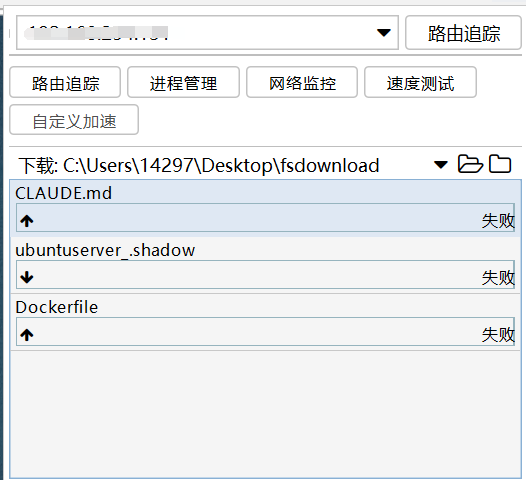
在使用FinalShell上传本地文件时出现上传失败的情况,如图:
原因分析
核心原因是连接账号的权限不足,非root用户无法上传文件。
于是更改为root用户:
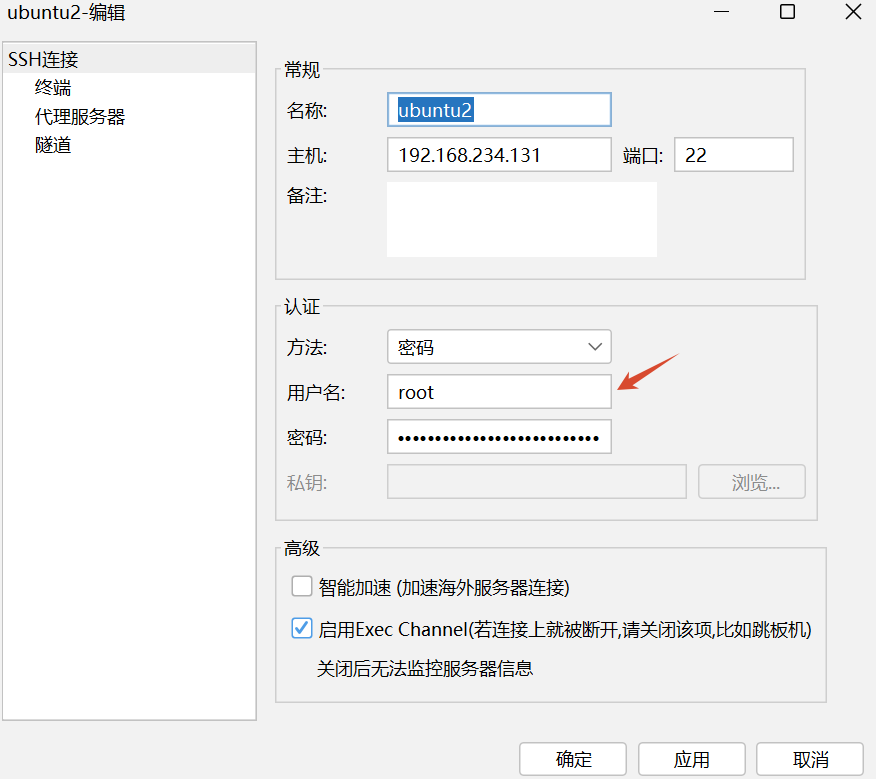
但此处设置的前提是你已经设置了root密码。
查看root密码,此处以ubuntu为例:
vim /etc/shadow或passwd -S root
如果文件中显示root : * : 20494 : 0 : 99999 : 7 : : :或命令输出L,则表示密码已被锁定/禁用,无法使用root密码登录。
解决方法
重新设置root密码sudo paaswd root,输入两次密码即可。
密码设置完成后,点击应用并确定,再次连接,发现依然无法连上,即使输入密码正确。
配置/etc/ssh/ssh_config:
PermitRootLogin yesPasswordAuthentication yes重启ssh
systemctl restart ssh
在我查看的大部分教程中到这里就结束了,一般就可以连上了,但是ubuntu环境下在/etc/ssh/sshd_config.d中还存在更高优先级的配置文件,如果其中缺失了上述两条配置,依然是无法生效的。
如图:
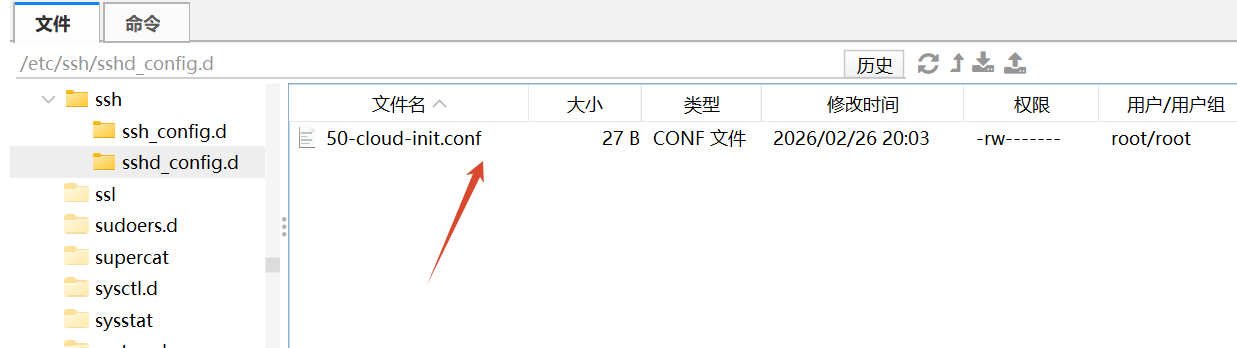
打开改配置文件,插入PermitRootLogin yes和PasswordAuthentication yes。
到这里,root登录的配置才算完整。
使用root登录并上传:
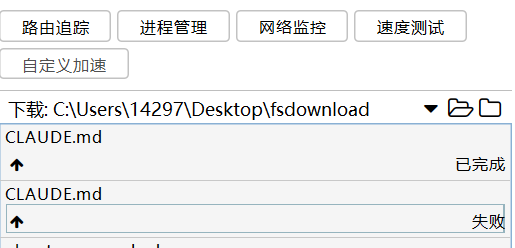
成功🙌